Test & publish
Try a rule on your live store with test mode
Publish a function for customers tagged ff-test only, check it in your real checkout with your real products, then go live for everyone in one click.
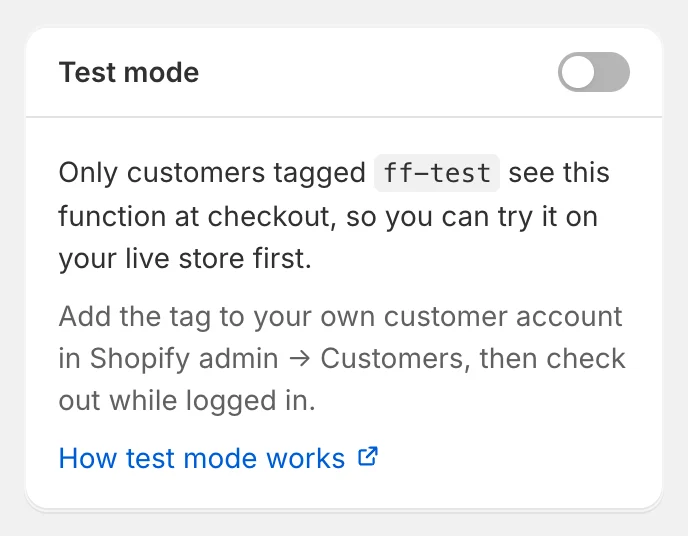
Test mode publishes a function to your live store but shows it only to customers tagged ff-test. Everyone else checks out as if the function didn’t exist. It’s the safest way to check a rule with your real products, shipping rates and payment methods before customers see it.
Publish in test mode
When you publish a function for the first time, FunctionFlow asks how it should go live:
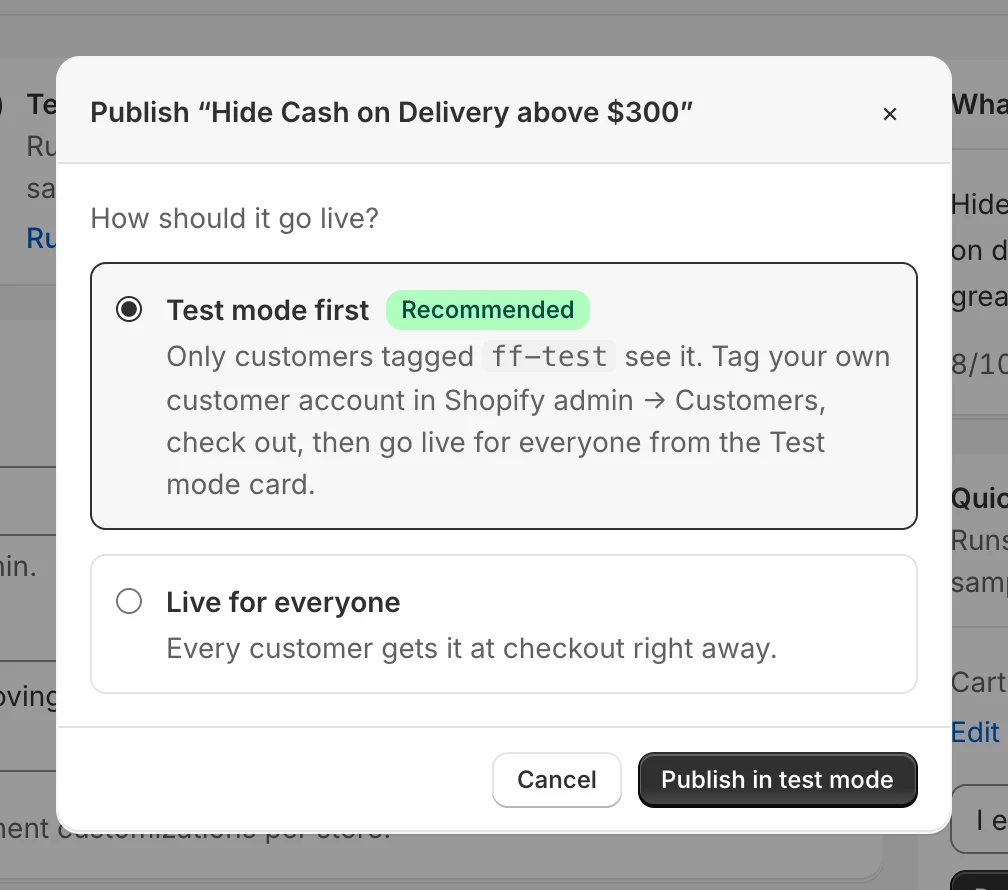
Choose Test mode first and click Publish in test mode.
You can also switch test mode on or off any time with the switch in the Test mode card in the builder’s sidebar.
Check it in your checkout
- In Shopify admin, open Customers, find your own customer account (or create one) and add the tag
ff-test. - In your online store, log in with that account. Guests never see functions in test mode.
- Build a cart that should trigger the rule and go to checkout. The discount, hidden method or message should appear.
- Log out, or use a private window, and check out again: you should see your normal checkout.
Tags aren’t case-sensitive, so FF-TEST works too.
Go live for everyone
When you’re happy, open the function. The Test mode card says Live for tagged customers only. — click Go live for everyone and confirm. The function now runs for every customer, straight away. No new version is created: the version you tested is the one that goes live.
To go back to test mode later, turn the switch on again. On a live function, customers without the tag stop seeing it right away.
Things to know
- Test mode works for every kind of builder function: discounts, shipping, payment and checkout rules. Functions written in the code editor don’t have test mode.
- A function in test mode is active in Shopify, so it counts toward Shopify’s limit of 25 per kind. Customers without the tag can still enter a discount code, but it won’t give them a discount.
- Test mode uses one of the 100 customer tags a function can check. If a rule already uses 100, remove one to turn test mode on.
- The tester simulates test mode too: add
ff-testto the customer’s tags to see the rule apply. - Remember to remove the
ff-testtag from customers who shouldn’t keep seeing test functions.